01
Pending
Job created
Office logs a job: customer, site address, colours, target date. PDFs and shop drawings uploaded straight to per-tenant storage.

FactoryMate is job management software for Australian custom manufacturers — one source of truth for every job across the office, the workshop floor and the field, with a full audit log.
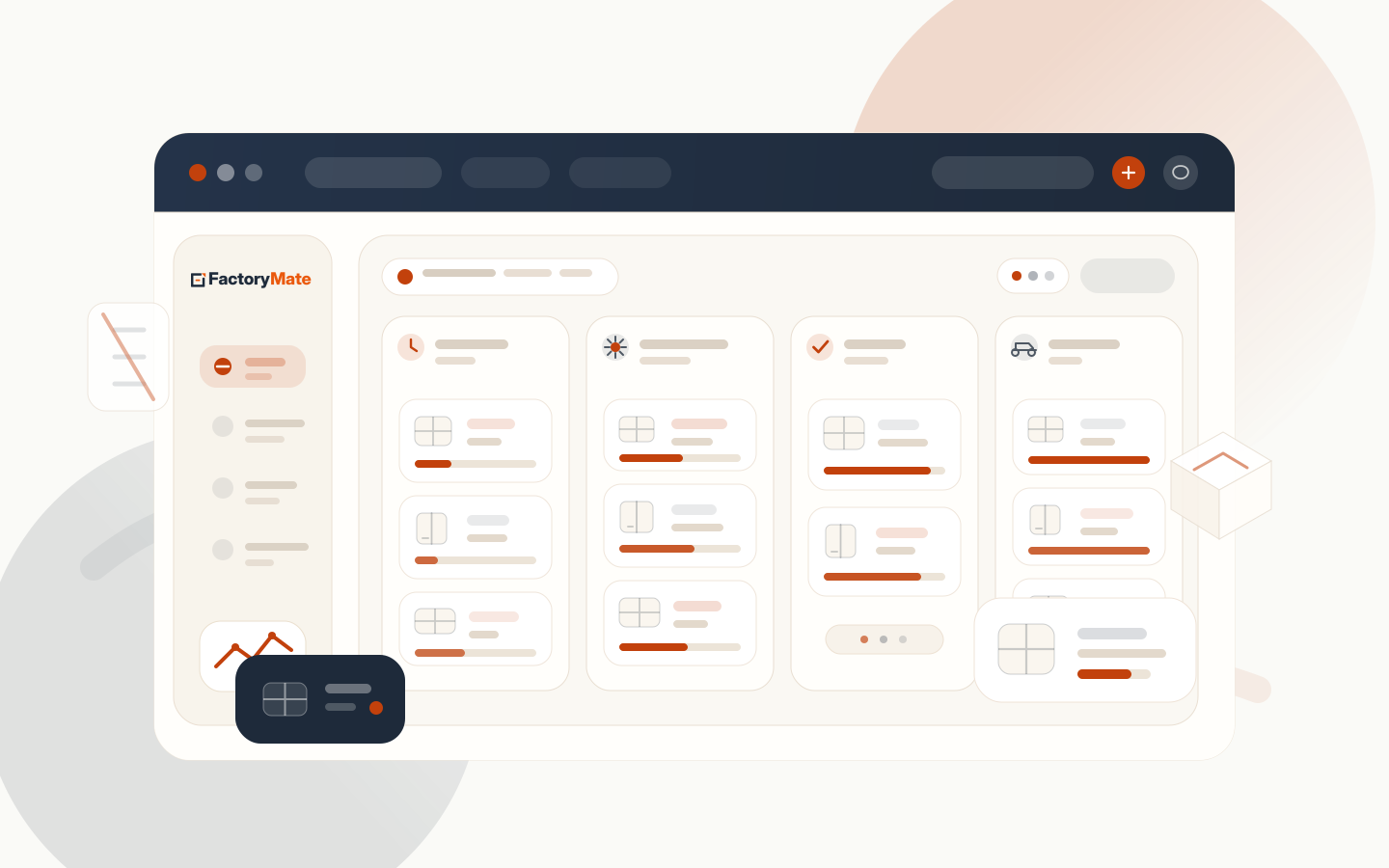
Built around the way Australian shops actually run
Who it's for
If you quote it, build it and install it, FactoryMate runs the job. Pick your trade to see how it works in your shop.
Run a different made-to-order shop? Tell us about it — we’ll be honest about the fit.
How it works
Every job moves through the same lifecycle. Office, floor, and driver each see exactly the work they own — nothing more, nothing less.
Office logs a job: customer, site address, colours, target date. PDFs and shop drawings uploaded straight to per-tenant storage.
Aluminium in. Glass in. Colours locked. Required checks must be ticked — production can't start otherwise.
Floor supervisor unlocks the job with their PIN. Status moves through Cutting → Welding → Glazing → QA, every step logged.
Supervisor signs off completed units. Job hands over to the office and locks. Floor must request an unlock to change anything — every request audited.
Office assigns driver and date. The status flips automatically — assignment and lifecycle stay reconciled, both ways.
Driver completes delivery on a PIN-bound device — the on-site GPS location plus photos. The office approves it, then the job marks complete. Closed.
Built for the way you actually work
The office never sees the floor's mess. The floor never carries the office's spreadsheets. Each device shows exactly the work that belongs to it.
Filter by stage, customer, production state, or target date. Drag jobs into a dispatch day. Approve floor unlock requests. The office desk view shows you everything you need to keep the day moving.
 FactoryMate
Floor
DG
FactoryMate
Floor
DG
The supervisor signs in with a PIN tied to that specific device. No shared passwords. No "who moved this back to production?". The floor sees only the jobs they can act on — never anything the office is handling.
Jake gets his stops for today in office-planned order. He taps a job, sees the address, opens Maps, drives. On site he snaps a photo, his location is captured automatically, and he submits — the office approves it before the job closes. Done.
FactoryMate
Driver
Why it's real
Nearly everything here works today — it’s in the codebase, not on a wishlist. The few things still coming are labelled “coming soon”, never dressed up as done.
Each fabricator gets their own subdomain, their own database, and their own object-storage bucket. No shared rows, no cross-tenant leakage.
Status transitions, unlock requests, dispatch assignments, manual overrides — persisted with user, timestamp, and reason. Exportable.
Floor and drivers log in with a PIN tied to their device — no shared passwords on the factory tablet. Office adds TOTP on top.
Once the office is handling a job, floor edits are locked. Request unlock, office approves or rejects with a reason. No silent edits.
Mark up shop drawings without leaving the job. Annotations save against the job, visible to office and floor.
Made by a local team for local fabricators. Run and supported from Australia. AGWA-style preflight checks. Support during your hours, not Silicon Valley’s.
Branded emails go out as a job moves — into production, out for delivery, delivered. Each shows the site address and dates only, never your internal notes. Delivery photos arrive as a private link that needs no login and expires after 30 days.
Learn moreOffice, floor and drivers share one comment thread on every job, scoped so each sees only what matters. @mention a colleague and it lands in their notifications bell. Add FactoryMate to the home screen and the right people get pushed what needs them.
Learn moreFactoryMate is built around your process — your production stages, your key dates, your delivery regions by postcode, and your own customer and material categories and colours. We set it all up to match how your shop runs, as part of onboarding.
Learn moreA materials catalogue, QR rack locations, scan to hand out and receive, count-then-approve stock-takes and a daily low-stock email — all where your jobs already live.
Learn moreBook measures and service visits on their own region board — a requests inbox, a time of day, group by postcode, then publish the run to the driver and the customer.
Learn moreEvery delivery comes back with the on-site GPS location and photos, and the office approves or rejects it before the job closes. The whole story sits on the job.
Learn morePricing
Three plans, scaled to how you work. Tell us your team size and how much of the lifecycle you use, and we’ll put together a straight number that fits.
For shops getting started.
What’s included
For shops running the full job lifecycle.
Everything in Essential, plus
For larger shops with more complex needs.
Built for you
All plans billed in AUD, ex-GST · Compare all features
On Professional
Two upgrades for shops running deliveries — both live on Professional, so the dispatch board does the planning for you.
Put each driver’s run in the most efficient order automatically — fewer kilometres on the road and earlier finishes, without anyone planning the route by hand.
New jobs drop into the right region on their own, so the dispatch board sorts itself instead of someone dragging every job into place.
Feature comparison
Side by side, no fine print.
| Feature | Essential | Professional | Custom |
|---|---|---|---|
| Capacity & limits | |||
| Minimum users | 2 | 2 | Talk to us |
| Jobs per month | Unlimited | Unlimited | Unlimited |
| Audit log retention | 12 months | 3 years | Unlimited |
| Core features | |||
| Job lifecycle tracking | ✓ | ✓ | ✓ |
| Customer management | ✓ | ✓ | ✓ |
| PDF & photo attachments | ✓ | ✓ | ✓ |
| PDF annotations in-browser | ✓ | ✓ | ✓ |
| Audit log on every action | ✓ | ✓ | ✓ |
| Customer status emailsBranded updates as the job moves + a 30-day photo link; address & dates only | ✓ | ✓ | ✓ |
| Operations | |||
| Office management | ✓ | ✓ | ✓ |
| Scheduling | ✓ | ✓ | ✓ |
| Production tracking | ✓ | ✓ | ✓ |
| Reporting | ✓ | ✓ | ✓ |
| Floor sign-off reportsBy supervisor, date and unit type | ✓ | ✓ | ✓ |
| Usage analytics & Google Sheets syncOne-click export of floor sign-offs to a live sheet | — | ✓ | ✓ |
| Notes | ✓ | ✓ | ✓ |
| Collaboration | |||
| Team comments & @mentionsOne thread per job; office @mentions land in a notifications bell | ✓ | ✓ | ✓ |
| Push notifications & installable appAdd to the home screen; background alerts for the people who need them | ✓ | ✓ | ✓ |
| Team alerts — email & WhatsAppRoute events to people by email or a WhatsApp group | ✓ | ✓ | ✓ |
| Field & delivery | |||
| Delivery management | — | ✓ | ✓ |
| Servicing & maintenance after delivery | — | ✓ | ✓ |
| Driver mobile app | — | ✓ | ✓ |
| Proof of deliveryDriver photos + on-site GPS; the office approves before the job closes | — | ✓ | ✓ |
| Auto route optimisationOrder each driver’s run by the fastest path | — | ✓ | ✓ |
| Auto job-grouping assistantGroups new jobs into the right region | — | ✓ | ✓ |
| Configuration | |||
| Custom job stages & key datesMatched to your process — your stages and the dates you track | ✓ | ✓ | ✓ |
| Delivery & service regionsYour regions by postcode; group a day’s jobs in one click | ✓ | ✓ | ✓ |
| Custom categories & brandingYour own customer/material categories, colours and logo size | ✓ | ✓ | ✓ |
| Inventory & stock | |||
| Materials catalogue & stock levelsSuppliers, unit cost and reorder points | — | ✓ | ✓ |
| QR stock locations & scan to issueHand out, receive and relocate stock from a phone | — | ✓ | ✓ |
| Count-then-approve stock-takesVariances approved before stock changes | — | ✓ | ✓ |
| Daily low-stock emailReorder point per material, summary each morning | — | ✓ | ✓ |
| Integrations | |||
| Xero integrationInvoicing before delivery + credit account workflow after | — | Coming soon | Coming soon |
| Outbound webhooksHMAC-signed job events to your own systems | — | — | ✓ |
| Custom integrations | — | — | ✓ |
| Security | |||
| PIN + device-bound auth (floor & driver) | ✓ | ✓ | ✓ |
| TOTP 2FA for office | ✓ | ✓ | ✓ |
| Automatic session timeoutIdle & daily sign-out, with tighter windows on admin accounts | ✓ | ✓ | ✓ |
| Role-based accessBuilt-in office, floor, driver, warehouse & read-only auditor roles | ✓ | ✓ | ✓ |
| Account lockout & managed securityLock on repeated failures; we unlock, block IPs and review events | ✓ | ✓ | ✓ |
| Support | |||
| Email support | 24h response | 4h response | 1h response |
| Chat support | — | ✓ | ✓ |
| Phone support | — | — | ✓ |
| Dedicated CSM | — | — | ✓ |
| Onboarding | |||
| Guided setup & data import | ✓ | ✓ | ✓ |
| Concierge onboarding | — | Add-on | Included |
| White-glove onboarding | — | — | ✓ |
All prices AUD, ex-GST · Min. 2 users on Essential and Professional
FAQ
Book a free demo. We'll walk FactoryMate through your real workflow and set you up an isolated tenant to try with your own jobs. Talk to the people who built it.
Free 1:1 demo · See it on your real jobs · Built in Australia